♪(´ε`)♪ Music Kaomoji
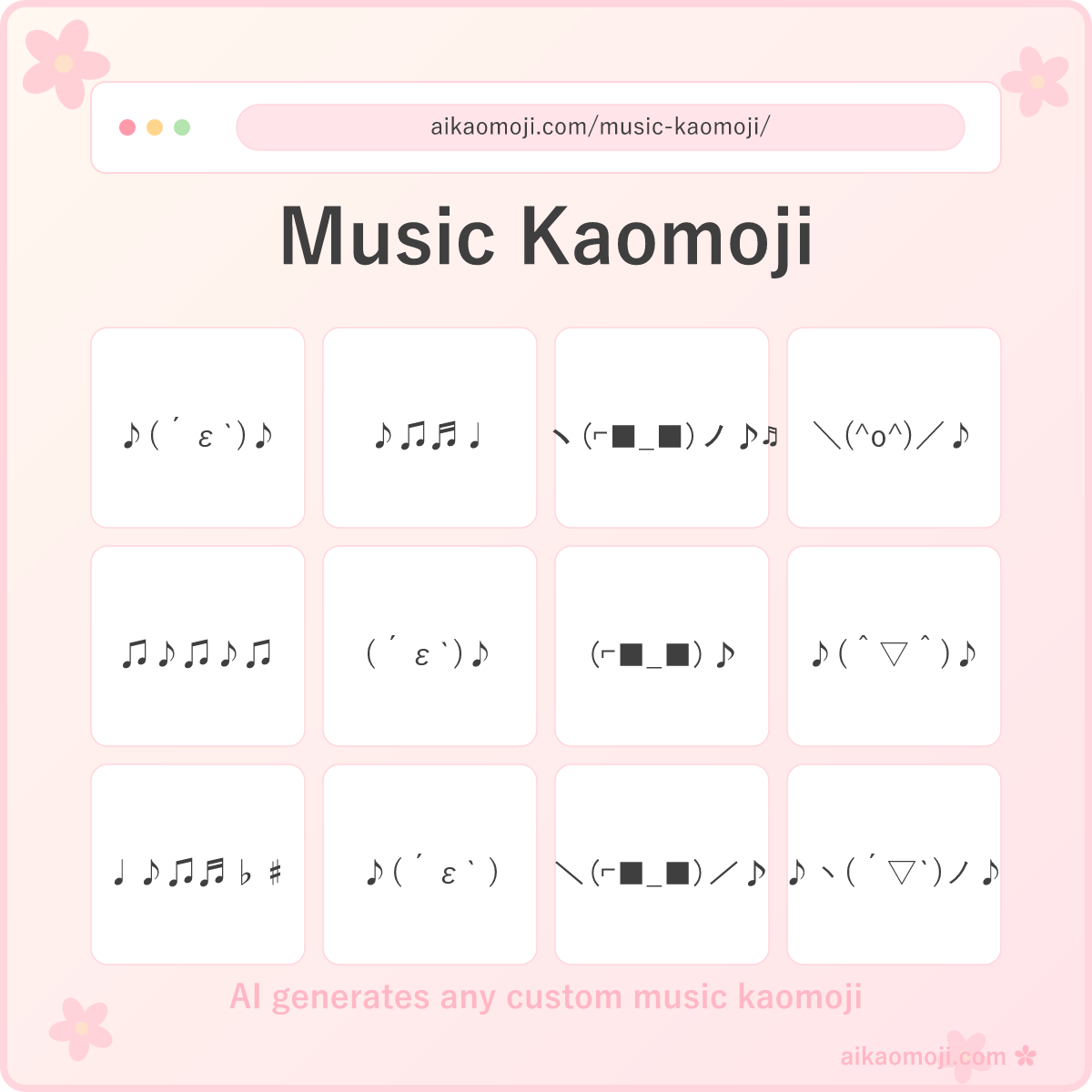
Every music kaomoji leans on the ♪ ♫ ♬ ♩ Unicode note characters — a compact set of glyphs that render pixel-identically on every modern OS, giving you a text-native way to say 'music is playing here' without an image upload. ♪(´ε`)♪ is the everyday version: a puckered ε singing mouth flanked by two eighth notes. Swap the face out for `(⌐■_■)` cool headphone eyes and you get a listening pose; drop the face entirely and you get a pure ♪♫♬♩ note run for chat status. All plain Unicode text, no font install.
Four moods split the library. Music note kaomoji are the note-dominant bucket — 4 or more ♪♫♬♩♭♯ characters carrying the whole visual, with only a minimal face or no face at all, perfect for status lines and playlist headers. Kaomoji music is the fallback bucket with the classic singing ε mouth face, ♪(´ε`)♪ and its variants, the everyday music kaomoji face. Listening to music kaomoji step into headphones territory — (⌐■_■) cool eyes signaling headphones-on plus a chill listen face with music notes trailing. Happy music kaomoji celebrate — big ^▽^ open-mouth smiles with arms up ヽ ノ or \ / and a music note flourish for the dance-along register.
The AI generator at the top spins a fresh music kaomoji from any prompt in a second or two — ask for a chill lo-fi headphones pose for a study playlist, a hyped dance-beat kaomoji for a party thread, a delicate solo ♪♫ run for a music-note status, or a wholesome singing face for a birthday DM. Describe the vibe, get six variants back. The music kaomoji combo remix pattern is what the generator produces natively — you feed it a mood, it hands back layered note-plus-face compositions in a single try.
Everything here is plain Unicode, so a music kaomoji copy and paste from any card lands identically on iOS, Android, macOS, Windows, Discord, iMessage, Slack, Twitter/X, Instagram, TikTok. Music kaomoji text renders inline in chat threads without pulling an image; it's not a music kaomoji gif or an audio clip. For the pure ε kiss-face without any music note, the kiss kaomoji page carries that.
Music Note Kaomoji
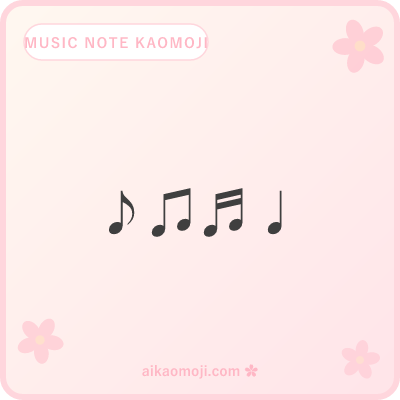
Note-dominant runs — ♪♫♬♩ solo four, ♫♪♫♪♫ alternating pattern, ♩♪♫♬♭♯ variety pack, |♪|♫|♬| staff-line, ♪♪♪♫♫♫ cluster.
Music note kaomoji are the note-dominant bucket — 4 or more ♪ ♫ ♬ ♩ characters carrying the whole visual, with a minimal face or no face at all. ♪♫♬♩ is the canonical four-note solo — one of each note character laid out in order; ♫♪♫♪♫ alternates the beamed pair with the single-flag note for a rhythmic pattern; ♩♪♫♬♭♯ pulls in flats ♭ and sharps ♯ for a music-theory register; |♪|♫|♬| uses bar-line | chars to fake a musical staff visual; ♪♪♪♫♫♫ clusters same-note groups. Music note kaomoji and its music notes kaomoji plural share this bucket, and the broader music kaomoji symbols register covers ♪♫♬♩ plus flats ♭ and sharps ♯ — the music note black kaomoji specifier is the standard ♪ character, which renders black on light themes.
Kaomoji Music
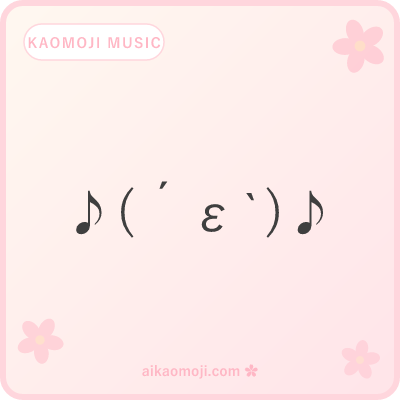
Singing faces — ♪(´ε`)♪ canonical, (´ε`)♪ trailing note, ♪(´ε`)ノ singing wave, ♫(´ε`)♫ etc-flanked, ♪(*´ε`*)♪ kawaii singing.
The fallback bucket for the classic singing register — an ε puckered mouth face doing the vocal work, with ♪ or ♫ music notes flanking or trailing. ♪(´ε`)♪ is the canonical version with two eighth notes bookending a small singing face; (´ε`)♪ trails one note off the right side for a softer version; ♪(´ε`)ノ replaces the trailing note with a wave hand for singing-plus-greeting; ♫(´ε`)♫ swaps in the beamed-pair note character; ♪(*´ε`*)♪ wraps the whole face in asterisk kawaii deco.
Listening to Music Kaomoji
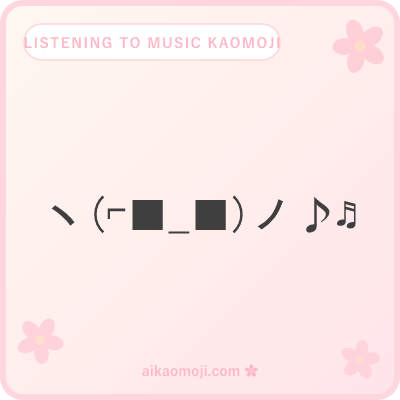
Headphones-on — (⌐■_■)♪ cool eyes, ヽ(⌐■_■)ノ♪♬ dancing headphones, \(⌐■_■)/♪ hands-up, (⌐■ω■)♫ w-mouth cool, ♪ヽ( ̄ω ̄)ノ♬ chill listen.
Listening to music kaomoji step into headphones territory. The core signature is `⌐` — a reversed-not-sign character that reads as the curve of a headphone earcup, paired with `■` filled-square eyes to complete the headphones-on cool look. (⌐■_■)♪ is the canonical cool listen; ヽ(⌐■_■)ノ♪♬ adds arms up and multiple notes for headphones-plus-dancing; \(⌐■_■)/♪ uses the wider \ / arms for hands-up-flexing; (⌐■ω■)♫ softens the mouth into ω for a friendlier cool; ♪ヽ( ̄ω ̄)ノ♬ drops the headphones eyes for a chill closed-eye listen pose.
Happy Music Kaomoji
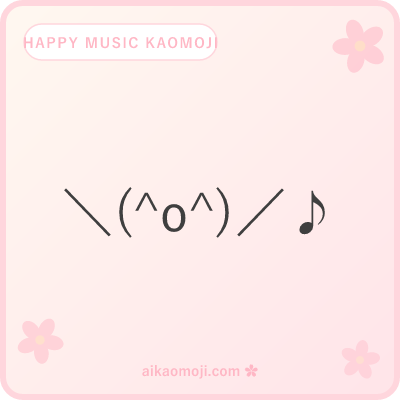
Dance beats — \(^o^)/♪ hooray, ♪(^▽^)♪ big smile flanked, ♪ヽ(´▽`)ノ♪ arms spread, ♪(*^▽^*)♪ kawaii dance, ♪\(^▽^)/♪ hooray flanked.
Happy music kaomoji celebrate — big ^▽^ or ^o^ open-mouth smiles, arms up ヽ ノ or \ /, and a music note flourish. \(^o^)/♪ is the hooray-plus-note canonical for celebration; ♪(^▽^)♪ flanks a big triangle smile with two eighth notes; ♪ヽ(´▽`)ノ♪ spreads the arms wider for a full dance pose; ♪(*^▽^*)♪ adds asterisks around the smile for a kawaii wrap; ♪\(^▽^)/♪ combines the widest arms with note-flanking for maximum dance energy. Cross-reference: the pure hands-up \(^o^)/ pose without a music note lives on happy kaomoji as a general celebration — the music note is what tips it into this bucket.
Music Kaomoji FAQ
Quick answers on what the ♪ ♫ ♬ note characters mean, face-vs-note runs, and building your own from a keyboard.
How do I copy music kaomoji?
One tap and the ♪ note run is on your clipboard. Music kaomoji work in every place a plain 🎵 emoji feels too generic — the 'currently listening' status on Discord, the playlist header in a Notion doc, the 'setting the mood' pin in a group chat, the DM opener when you send someone a song. The most-copied variant is ♪(´ε`)♪ — a puckered singing ε mouth flanked by two eighth notes. Every card is plain Unicode text, so it renders identically on iOS, Android, Windows, macOS, Discord, iMessage, Slack, and Instagram. Paste with Ctrl+V (Windows) or ⌘+V (Mac).
What do the different music note characters ♪ ♫ ♬ ♩ ♭ ♯ mean?
Each character maps to a real music-notation symbol — ♪ (U+266A) is a single eighth note with a flag, the most-typed one and the everyday shorthand for 'music'; ♫ (U+266B) is a pair of beamed eighth notes, two notes joined with a beam; ♬ (U+266C) is a pair of beamed sixteenth notes, denser than ♫; ♩ (U+2669) is a plain quarter note without any flag, used for slower emphasis or a single-beat feel; ♭ (U+266D) is the flat sign that lowers a note by a semitone; ♯ (U+266F) is the sharp sign that raises it. In kaomoji use, ♪ and ♫ dominate because they read as 'note' at a glance; ♬ shows up in denser runs; ♩ appears in slower or more minimalist compositions; ♭ and ♯ are used for a music-theory-inflected register or to hint at melody.
What's the difference between a music kaomoji face and a music note run?
A music kaomoji face is a face — parentheses, eyes, and a mouth — with music notes ♪ ♫ ♬ flanking or trailing to signal music is happening. Examples: ♪(´ε`)♪, (⌐■_■)♪, \(^o^)/♪. The face is doing most of the visual work; the notes are the music context. A music note run is just the notes themselves — 4 or more ♪♫♬♩ characters strung together with minimal or no face content, used as a compact music indicator. Examples: ♪♫♬♩, ♪♪♪♫♫♫, |♪|♫|♬|. Rough rule: if you're expressing a mood or reaction to music, use a face; if you're just marking 'music is playing here' or 'now playing' in a status line, use a note run. Both registers live on this page — face variants are grouped in Kaomoji Music, note-only runs in Music Note Kaomoji.
How do I type a music kaomoji from my keyboard?
Building one piece by piece: (1) pick a face content — singing ε mouth `(´ε`)` for classic music, cool `(⌐■_■)` for headphones, or big smile `(^▽^)` for dance; (2) flank the face with one or two music notes ♪ ♫ ♬ ♩ on either side; (3) optionally add hands ヽ ノ or \ / for a dance pose. Full pattern: `♪` + `(´ε`)` + `♪` reads as ♪(´ε`)♪. On Windows, type music notes via Win+. (period) emoji picker → search 'music' → select ♪ ♫ ♬. On Mac, use Ctrl+Cmd+Space → search 'note' → pick the note character. On iOS/Android, the emoji keyboard has 🎵 and 🎶 emoji, but the text ♪ ♫ ♬ chars are cleaner in kaomoji builds. Fastest route: copy any card here and remix the face content while keeping the ♪ notes.
Can the AI generator create custom music kaomoji?
Yes — scroll to the top and describe what you want. Try prompts like "chill lo-fi headphones pose for a study playlist", "hyped dance-beat kaomoji for a party thread", "delicate solo ♪♫ run for a music-note status". The generator returns 6 fresh music kaomoji per prompt, ready to copy in one tap. Free, no signup, powered by Google Gemini 2.5 Flash.
A quick note on the music-note Unicode block: ♪ ♫ ♬ ♩ ♭ ♯ all live in the Miscellaneous Symbols block at U+2669 through U+266F. The block was added in Unicode 1.1 (1993), which is why every modern OS renders them cleanly without needing a music-specific font — they show up in Segoe UI on Windows, San Francisco on macOS/iOS, and Roboto on Android as basic-glyph fallbacks. That's what makes them ideal for kaomoji: no image, no emoji picker, no font install, just a copy-paste that survives every chat app.
A quick map of neighbors: for a bare ε puckered mouth without any music note context, the kiss kaomoji page carries the pure kiss-face register. For general happy kaomoji without music notes, that side lives on the happy page — the notes here are what tips a smile into the music register. For the hands-up burst-energy excited kaomoji without music, the excited page has that variant.
Every music kaomoji copy and paste from a card here renders pixel-identically across iOS, Android, macOS, Windows, Discord, iMessage, Slack, Twitter/X, Instagram, and TikTok — it's plain music kaomoji text, not a music kaomoji gif or an animated audio clip. Bookmark the URL and come back next time you queue up a playlist.
Every live category on aikaomoji in one place — counts, thumbnails, and roadmap for what's coming next.
Open the kaomoji list