(•ᴗ•) Bunny Kaomoji For Roblox
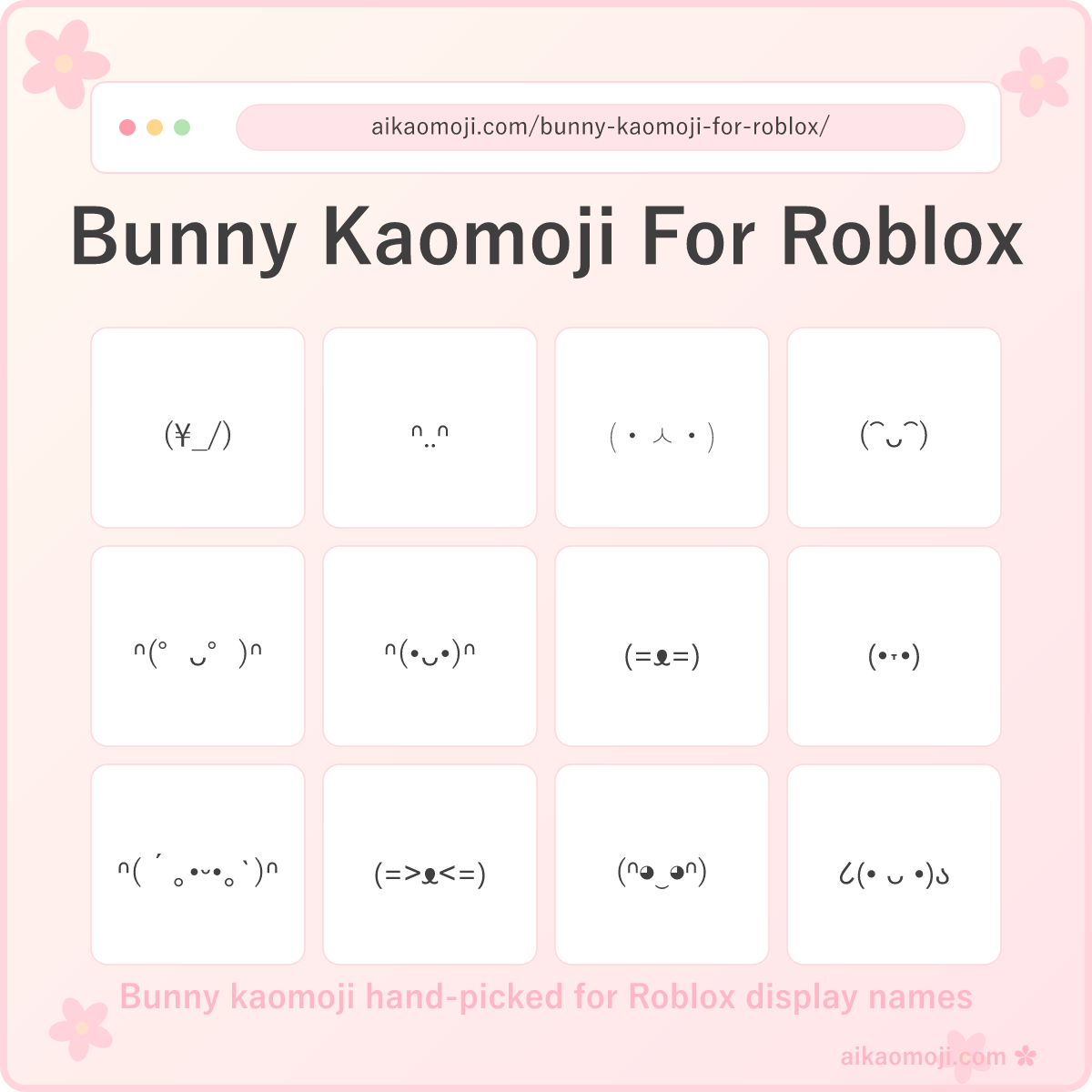
Every bunny kaomoji here is hand-picked for Roblox — copy any face into your Roblox display name, group description, or chat and it renders without getting stripped by the filter. Also called rabbit kaomoji in some corners of the internet, these compositions stay under Roblox's 20-character display name limit so you have room for your username too. Bunny copy and paste kaomoji is our flagship use case: tap once, paste into Account Info, save.
Looking for a specific kaomoji for roblox display name style? Scroll to the sections below — we've split the collection into five buckets, from the shortest flagship faces to cute, happy, heart, and shy variants. Every roblox kaomoji display name candidate uses only characters Roblox's automatic filter recognises: no zero-width spaces, no obscure combining marks, no emoji that eat two characters of your name budget.
For roblox kaomoji chat use, most faces here are short enough to drop directly into a message without eating your character budget. Kaomojis that work on roblox tend to lean on halfwidth katakana ・, the phonetic letter ᴗ, and simple ASCII brackets — all included in our curation.
Bonus: our AI generator above creates custom bunny kaomoji from any prompt — need a shy hopping bunny for your Roblox About Me, or a heart-eyed bunny for a group description? Type the mood and get six fresh Roblox-safe bunny faces in seconds.
Bunny Kaomoji For Roblox
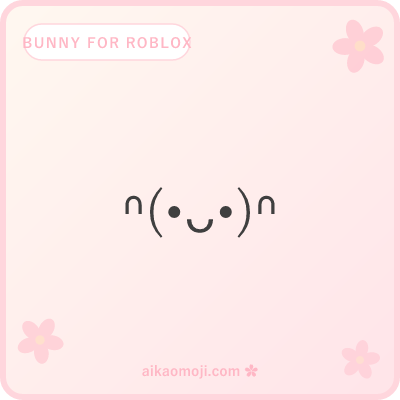
The flagship section — shortest, plainest bunny faces that drop straight into your Roblox display name without eating your character budget.
Every face in the flagship bunny kaomoji for roblox bucket is 5 to 8 characters, leaving 12 to 15 characters of your 20-character display name budget for your actual username. Combine any face here with a short handle like _hop or bun_ and you get a full display name that reads as a bunny.
Cute Bunny Kaomoji
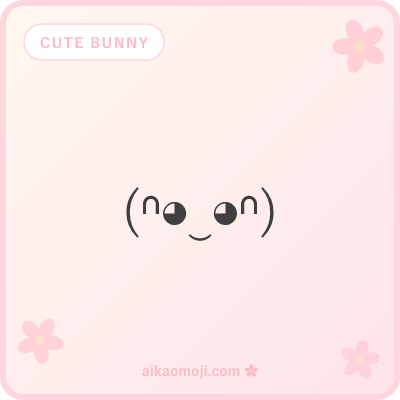
Kawaii bunny faces with round eyes, halfwidth katakana 。, and undertie ‿ smiles — the sweetest picks for a soft aesthetic.
Cute bunny kaomoji lean into kawaii bracket 。 and round-eye styles like (◕‿◕) — perfect when your Roblox display name or profile needs a softer read. Every face in this section still fits the 20-character budget, so cute bunny kaomoji works for both display names and Roblox chat. Pairs well with a shorter username handle.
Kaomoji Bunny Happy
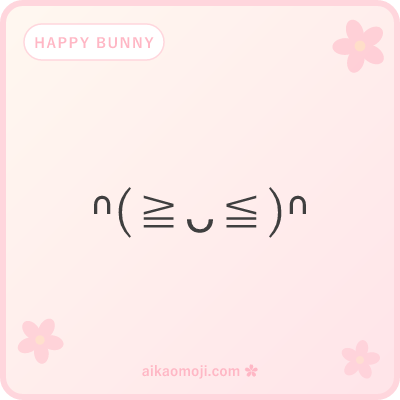
For excited moods and celebration energy — arms up, big smile, and the classic ≧∇≦ excitement eyes.
Kaomoji bunny happy pulls together the excited/laughing sub-styles — arms up like \(≧ᴗ≦)/, laughing brackets ^ᴗ^, and the ≧∇≦ classic excitement pattern. Great for a Roblox win moment, a group description that celebrates something, or a hangout server chat reply. Every option here is Roblox-safe.
Kaomoji Bunny With Heart
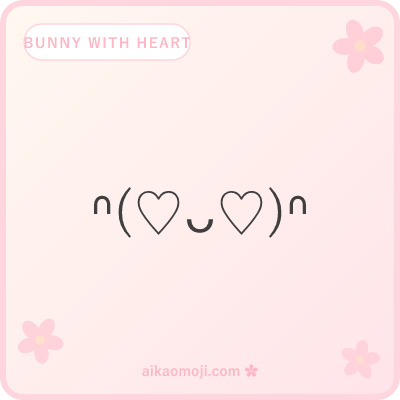
Love-mood bunny faces — ♡ eyes, hearts held in っ...c arms, and heart-blushing cheeks.
Kaomoji bunny with heart covers the love angle — ♡ in the eye position for a heart-eyed bunny, hearts held between the っ...c bracket arms, and heart-blushing variants like (´♡ᴗ♡`). All ♡ and ♥ characters pass the Roblox filter, so these work in display names, chat, group descriptions, and About Me sections — a favourite for Valentine's-week or crush-adjacent Roblox usernames.
Shy Bunny Kaomoji
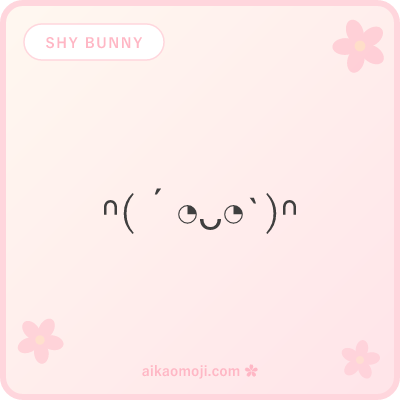
Quiet, soft, bio-friendly bunnies — grave/backtick brackets, gentle ⌣ mouth, and side-eye ◔ modest looks.
Shy bunny kaomoji covers the quiet/timid mood — soft ´...\` brackets frame a bashful face, ⌣ or ˘ replace the usual mouth for a gentler read, and side-eye ◔ variants like (´◔ᴗ◔\`) capture the modest look. Best fit for a Roblox About Me, a quieter group description, or a display name that reads shy rather than loud.
Bunny Kaomoji For Roblox FAQ
Quick answers on Roblox filter compatibility, display name budgets, and building your own bunny kaomoji from scratch.
How do I copy bunny kaomoji for roblox?
One tap and you've got the bunny ears. Roblox players use bunny kaomoji most often in display names (paired with a shorter username like _hop_), group descriptions, and chat replies during hangout games. Because these compositions are plain Unicode text — not Roblox emoji — they save perfectly into the Account Info → Display Name field without triggering the automatic filter that strips zero-width or exotic combining characters. Paste with Ctrl+V (Windows) or ⌘+V (Mac).
Which kaomojis work on Roblox?
Kaomojis that work on Roblox use characters Roblox's filter recognises: standard ASCII brackets ( ) [ ], halfwidth katakana ・ 。, Greek lowercase ω, phonetic letters ᴗ ᵕ, and single-character symbols like ♡ ★ ✧ ⌒. Zero-width spaces (U+200B, U+200C, U+200D) get stripped by the filter, so any kaomoji that relies on them will show up broken. Emoji technically work but each counts as 2 characters against Roblox's 20-character display name budget, so a bunny kaomoji + a 12-character username is usually the ceiling. Every face on this page has been checked against these rules — copy any of them straight into Account Info → Display Name and it saves.
How do you make a bunny face with keyboard?
Build a bunny kaomoji piece by piece: (1) start with brackets ( ) or ( ) for the head; (2) drop in eyes — dots • or ◕ read as wide round bunny eyes, dashes - as sleepy eyes, ˃ ˂ as excited squints; (3) add a small mouth in the middle — ᴗ or ᵕ read as a content bunny smile, ⌒ as an arc smile, ω as a small twitching mouth; (4) optional decorations — ♡ for love, ' or 。 for a subtle blush, \ / brackets outside for arms up like \(•ᴗ•)/. On Mac, the Character Viewer at Ctrl+Cmd+Space has the same set. Copy any face from this page and edit its parts to remix — that's how most Roblox display names are built.
What's the difference between a bunny kaomoji here vs a regular bunny kaomoji?
Every kaomoji on this page has been filtered for two things a general bunny kaomoji library doesn't check: Roblox filter compatibility (no zero-width chars, no exotic combining marks) and character budget (≤12 characters so your Roblox display name has room for both the bunny and your username). A regular bunny kaomoji collection might include (=꒳ )ᐢ|ᐢ or ᯓᡣ𐭩 — visually cute, but the Devanagari and Canadian syllabics get stripped or misrendered on Roblox. Our /bunny-kaomoji/ page (coming soon) will list the fuller collection without the Roblox constraint. This page is the Roblox-safe subset.
Can the AI generator create custom bunny kaomoji for roblox?
Yes — scroll to the top and describe what you want. Try prompts like "a shy bunny hiding for my Roblox About Me", "an excited bunny with arms up for my group description", "a heart-eyed bunny for a Valentine display name". The generator returns 6 fresh bunny kaomoji for roblox per prompt, ready to copy in one tap. Free, no signup, powered by Google Gemini 2.5 Flash.
Looking for a bunny kaomoji twitter aesthetic or a version that works outside Roblox? Our upcoming general /bunny-kaomoji/ page will cover the broader collection including buff bunny kaomoji, bunny kaomoji tumblr aesthetic, and the sad bunny kaomoji / crying bunny kaomoji subclusters.
For now this page focuses on kaomojis safe for roblox — every face here has been checked for Roblox display name filter compatibility. If you copy a face and it saves without warnings, you're good. Roblox kaomojis outside this curated set may get stripped when you hit Save on your Account Info.
Roblox users have been popularising short text-based display-name decorations since 2023. If you build a face you want to share, add it to the community collection through the AI generator above.
Every live category on aikaomoji in one place — counts, thumbnails, and roadmap for what's coming next.
Open the kaomoji list